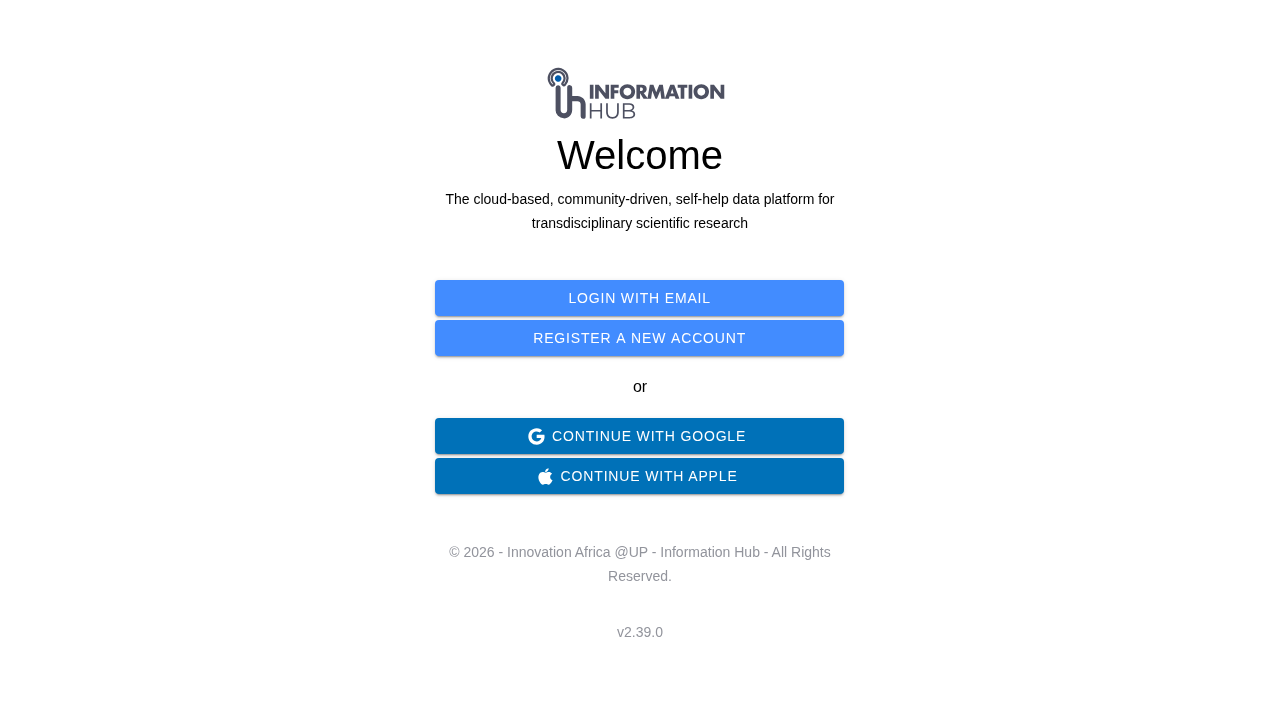
The Information Hub home screen
The Information Hub home screen
 |
| Information Hub Go |
|
| Information Hub Go |  |
## Quick Links
{% content-ref url="/pages/o4a2yPKUatEb7FWJvc50" %}
[Getting Started](/getting-started.md)
{% endcontent-ref %}
{% content-ref url="/pages/nkAHo9onJrs2KX4QmTGM" %}
[Home](/home.md)
{% endcontent-ref %}
{% content-ref url="/pages/tRlmxhYT90VEKoHgqDZW" %}
[Project](/project.md)
{% endcontent-ref %}
## For AI Agents and LLMs
This documentation is available in machine-readable formats for AI tools and coding agents:
* **llms.txt** -- An index of all documentation pages with titles and URLs. Use this to discover relevant pages quickly.\
[docs.informationhub.io/llms.txt](https://docs.informationhub.io/llms.txt)
* **llms-full.txt** -- The full content of the entire documentation site in a single file, ready for ingestion as context.\
[docs.informationhub.io/llms-full.txt](https://docs.informationhub.io/llms-full.txt)
* **Markdown pages** -- Append `.md` to any page URL to retrieve its content as Markdown. For example:\
`https://docs.informationhub.io/project/forms.md`
* **MCP Server** -- Connect your AI tool (Claude Desktop, Cursor, VS Code, etc.) to the Model Context Protocol endpoint for structured access to these docs:\
`https://docs.informationhub.io/~gitbook/mcp`
These are provided automatically by GitBook and stay in sync with the published documentation. No configuration is required.
## Contact
For questions or support, reach out at
|
## Quick Links
{% content-ref url="/pages/o4a2yPKUatEb7FWJvc50" %}
[Getting Started](/getting-started.md)
{% endcontent-ref %}
{% content-ref url="/pages/nkAHo9onJrs2KX4QmTGM" %}
[Home](/home.md)
{% endcontent-ref %}
{% content-ref url="/pages/tRlmxhYT90VEKoHgqDZW" %}
[Project](/project.md)
{% endcontent-ref %}
## For AI Agents and LLMs
This documentation is available in machine-readable formats for AI tools and coding agents:
* **llms.txt** -- An index of all documentation pages with titles and URLs. Use this to discover relevant pages quickly.\
[docs.informationhub.io/llms.txt](https://docs.informationhub.io/llms.txt)
* **llms-full.txt** -- The full content of the entire documentation site in a single file, ready for ingestion as context.\
[docs.informationhub.io/llms-full.txt](https://docs.informationhub.io/llms-full.txt)
* **Markdown pages** -- Append `.md` to any page URL to retrieve its content as Markdown. For example:\
`https://docs.informationhub.io/project/forms.md`
* **MCP Server** -- Connect your AI tool (Claude Desktop, Cursor, VS Code, etc.) to the Model Context Protocol endpoint for structured access to these docs:\
`https://docs.informationhub.io/~gitbook/mcp`
These are provided automatically by GitBook and stay in sync with the published documentation. No configuration is required.
## Contact
For questions or support, reach out at